How to Get Your Business on Google Maps in Nigeria and Attract More Customers
Google Business Profile is a free tool that allows eligible businesses to manage how their information appears on Google Search and Google Maps.
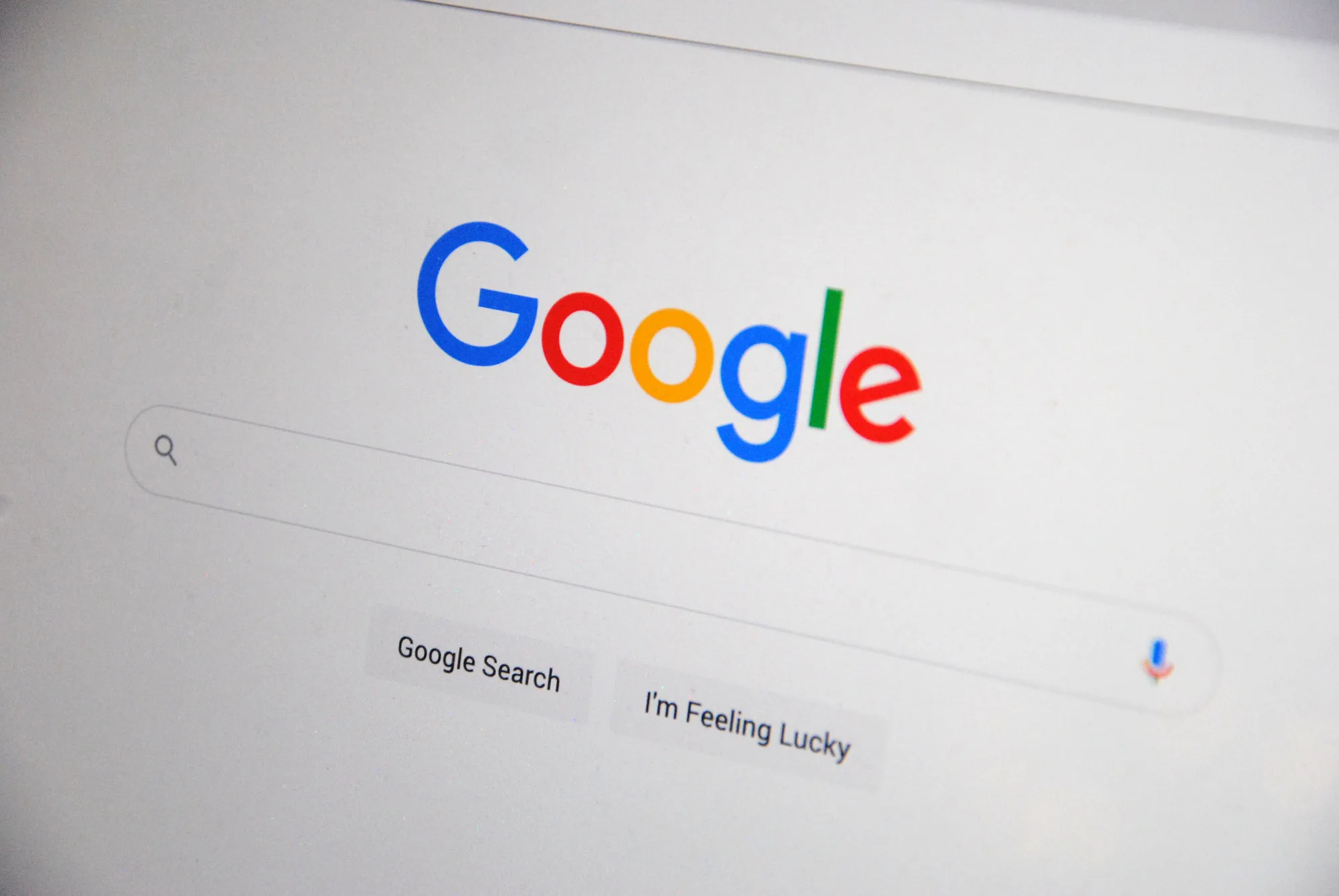
Imagine someone in Lagos searching Google for "best cleaning company near me", "restaurants in Enugu" or "plumbers in Abuja". Several businesses appear with their names, addresses, phone numbers, customer reviews and directions.
Now imagine your business is nowhere to be found.
This is a problem many Nigerian business owners overlook. They invest in social media advertising, distribute flyers and depend on referrals, but fail to establish a proper presence on Google, where potential customers are actively searching for products and services.
The good news is that you can list an eligible business on Google Maps without paying Google for the listing.
Through Google Business Profile, formerly known as Google My Business, businesses can create an online profile that helps customers discover them through Google Search and Google Maps.
In this guide, we explain how to put your business on Google Maps in Nigeria, how to verify your listing, how to improve your visibility and how to turn local searches into actual customers.
What Is Google Business Profile?
Google Business Profile is a free tool that allows eligible businesses to manage how their information appears on Google Search and Google Maps.
When someone searches for your business or a service you provide, your profile can display important information, including:
- Business name.
- Business address or service area.
- Phone number.
- Website address.
- Opening and closing hours.
- Business photos.
- Customer reviews and ratings.
- Products and services.
- Directions to your business.
For example, a customer searching for a digital marketing agency in Lagos may discover businesses with complete Google Business Profiles, compare their services and contact one directly.
This makes Google Business Profile an important tool for businesses that want to attract customers through local search.
How to Get Your Business on Google Maps in Nigeria
Getting your business listed on Google Maps involves creating or claiming a Google Business Profile and completing Google's verification process.
Follow these steps.
Step 1: Check Whether Your Business Already Exists on Google Maps
Before creating a new listing, search for your business name on Google and Google Maps.
Sometimes, Google may already have information about a business, even if the owner has never created a profile.
If you find an existing unverified listing, you may be able to claim it instead of creating another one.
Creating duplicate profiles for the same business can cause problems, including verification difficulties and listing restrictions.
Step 2: Create Your Google Business Profile
Visit the official Google Business Profile website:
https://www.google.com/business/
Sign in using the Google account you want to use to manage your business.
Select the option to add your business and follow the instructions.
You will be asked to provide information about your business, including its name and category.
Choose a business name that accurately represents your company.
For example, if your registered and publicly recognised business name is Rosper Solutions, use that name rather than adding unnecessary keywords such as "Best Website Design Company in Lagos" to the business name.
Google requires businesses to use their real-world business names.
Step 3: Choose the Correct Business Category
Your primary business category tells Google what your business does.
This is an important part of setting up your profile because it helps Google understand which searches are relevant to your business.
For example:
- A restaurant may choose Restaurant.
- A fashion retailer may choose Clothing Store.
- A plumber may choose Plumber.
- A marketing agency may choose Marketing Agency.
- A software company may choose Software Company, where available and appropriate.
Choose the category that most accurately describes your main business activity.
You may also be able to add secondary categories for other services your business provides.
Avoid selecting unrelated categories simply because you want to appear in more searches.
Step 4: Enter Your Business Address or Service Area
Google needs to understand where your business operates.
If customers visit your business premises, provide your accurate business address.
However, if your business travels to customers rather than receiving them at a storefront, you may qualify as a service-area business.
For example, cleaning companies, plumbers, electricians and certain maintenance businesses may operate by visiting customers.
In such cases, you can configure your service areas instead of displaying a residential address publicly.
Google does not permit businesses to use fake addresses, rented virtual offices without qualifying operations or misleading locations to obtain better visibility.
If your business operates entirely online without in-person customer contact, it generally does not qualify for a Google Business Profile.
Make sure you understand Google's eligibility requirements before proceeding.
Step 5: Add Your Business Phone Number and Website
Provide a phone number customers can use to reach your business.
If you have a business website, add its address.
Having a professional website is particularly useful because customers can move from your Google listing to your website to learn more about your services.
Your website should clearly explain what your business offers, provide relevant contact information and make it easy for visitors to enquire.
If you do not have a website yet, consider investing in one. Read our guide on website design costs in Nigeria to understand the different options available.
Step 6: Verify Your Business
Verification is necessary to establish that you are authorised to represent the business.
Google determines which verification methods are available to your particular business. These may include:
- Phone or SMS verification.
- Email verification.
- Video verification.
- Other methods presented within your profile.
For video verification, Google may request a recording that demonstrates your business's existence and your authority to manage it.
Depending on the business, this may involve showing its location, signage, equipment, business operations or other supporting evidence.
Follow the instructions presented in your Google account.
Do not pay random individuals who promise guaranteed verification or claim to have special access to Google's verification system.
Step 7: Complete Your Business Profile
Once you have created and verified your profile, provide as much
- #google business profile
- #local business